How to Create a 24\7 Stream in Gyre
1. Creating a Stream
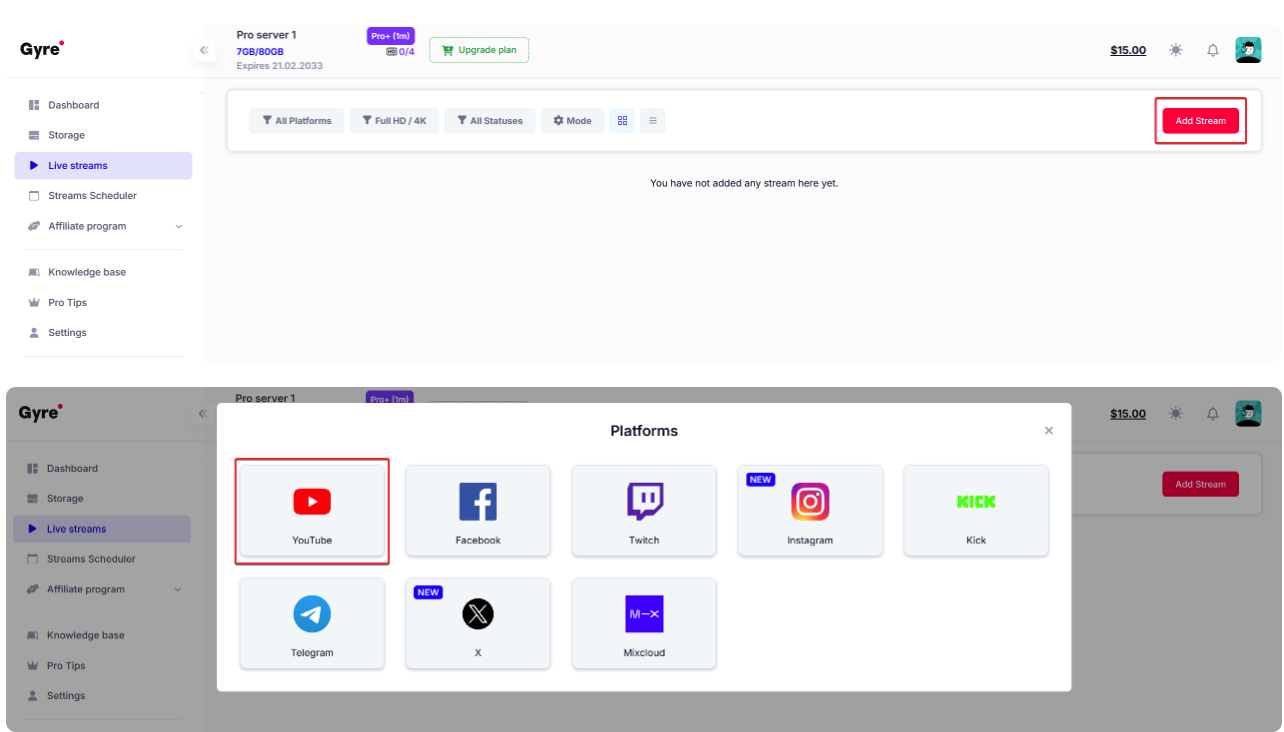
- Go to Live streams → Add Stream.
- Select YouTube as the platform.
-
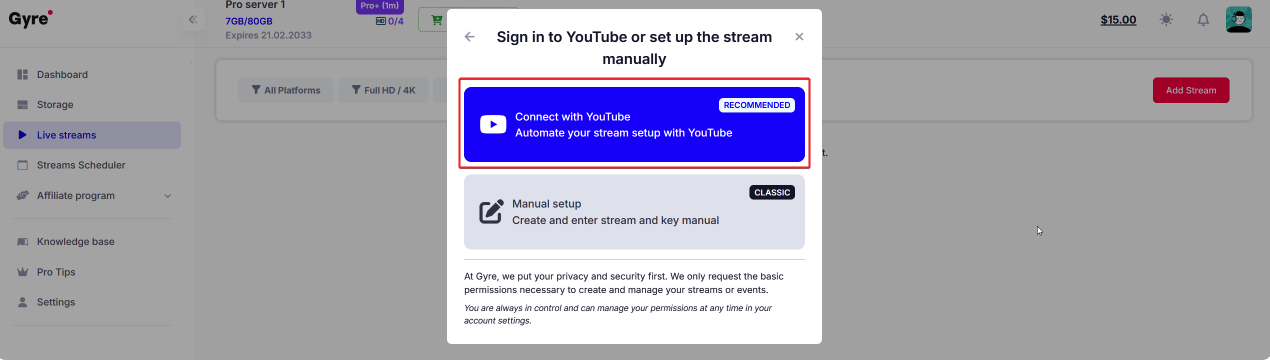
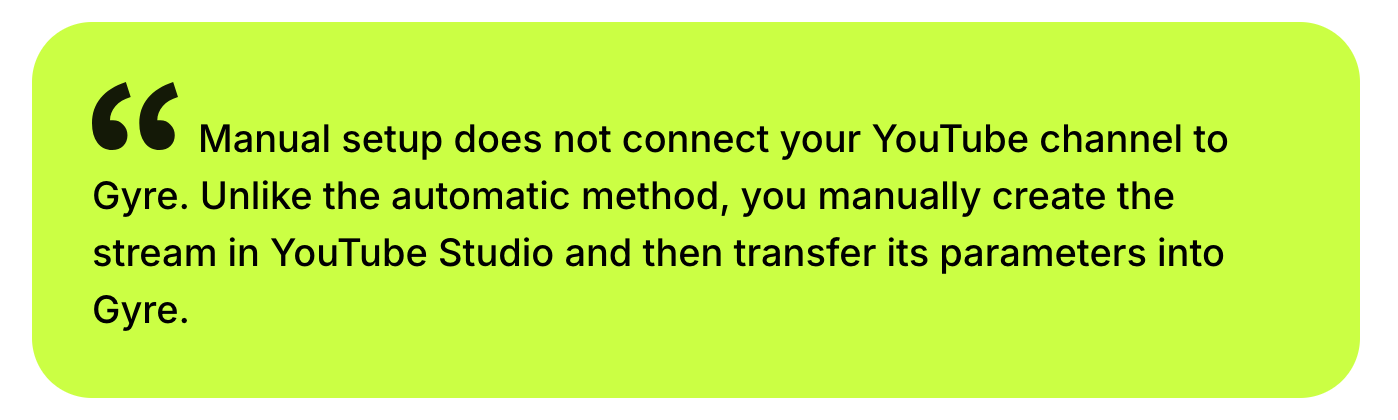
Choose Manual setup.
-
2. Adding Basic Information
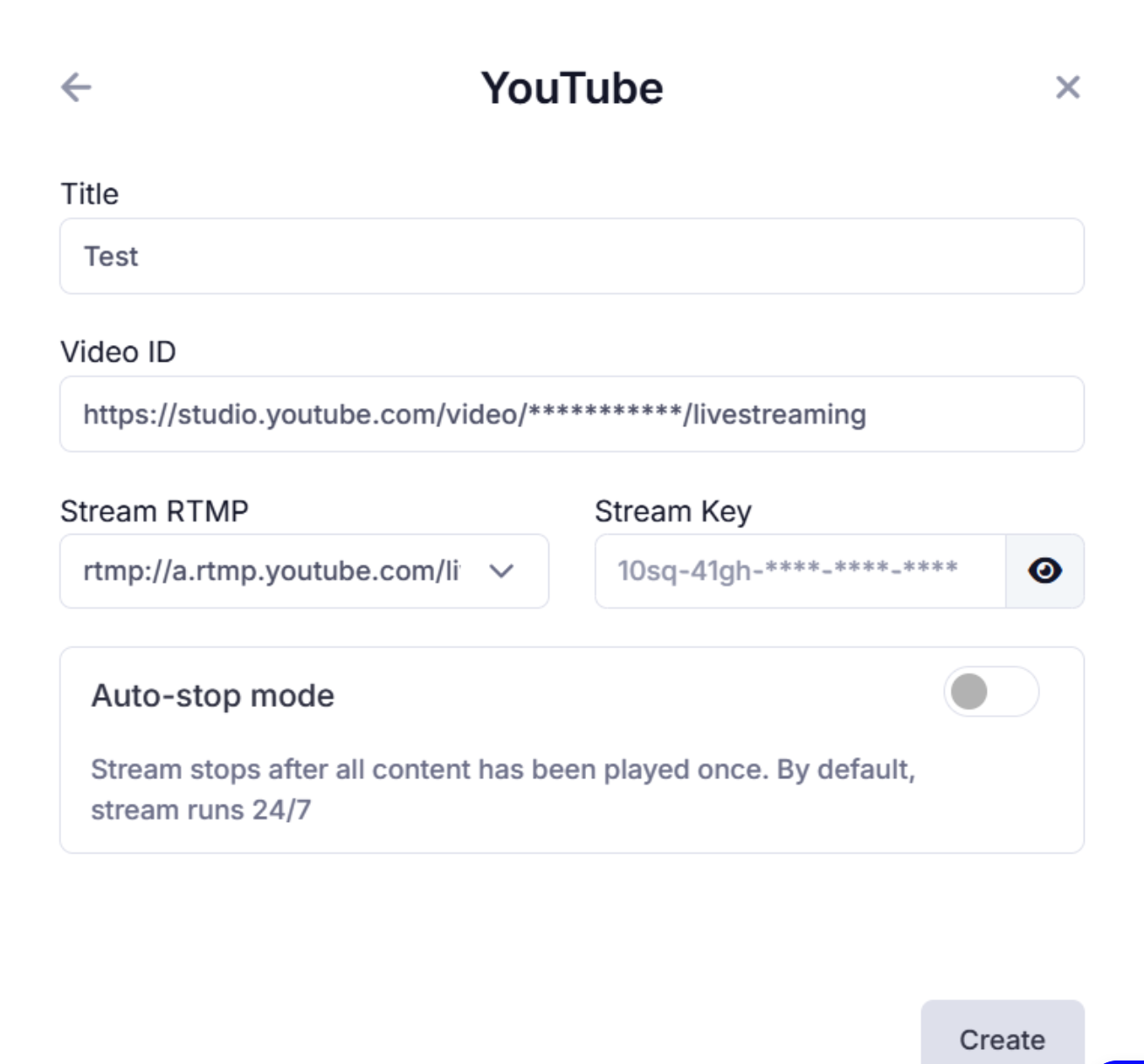
- Enter the stream name — it will only appear inside your Gyre dashboard.
- Create a future livestream in YouTube Studio (via your channel).
- Copy the Stream ID and Stream Key from YouTube Studio.
- Paste them into the corresponding fields in Gyre.
- Enable Auto-Stop mode if needed (the stream will end once all videos finish playing).
-
Click Create.
-
3. Adding Videos
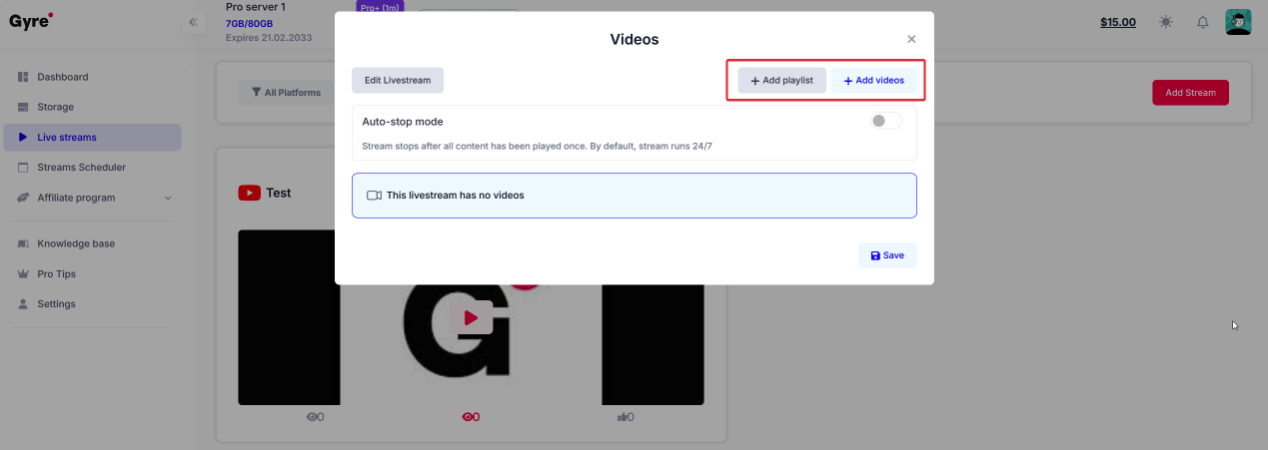
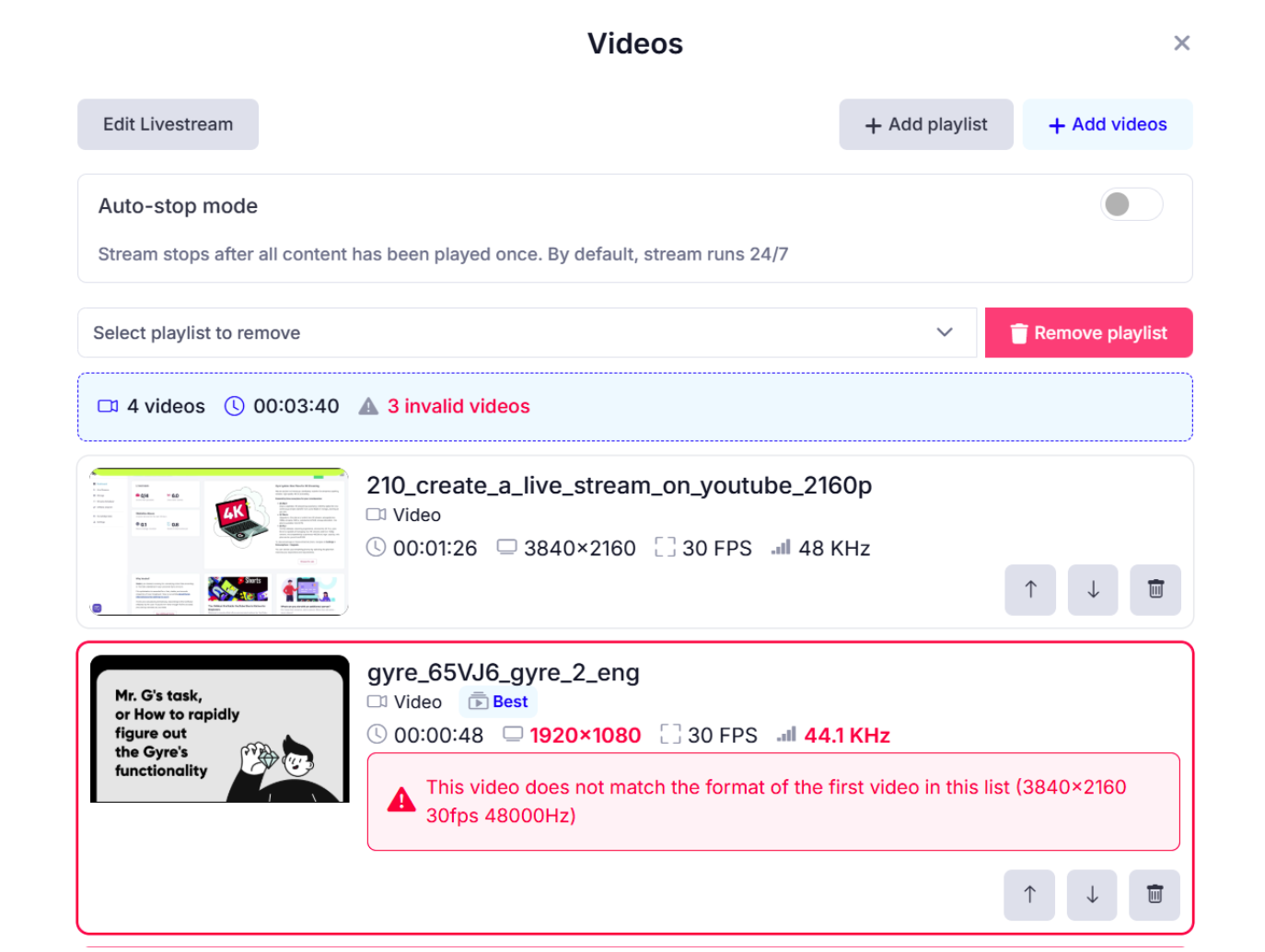
- Click Add videos or Add playlist.
- Review the file list, file count, and total duration.
- Reorder videos by dragging or using arrows; delete individual items or the whole playlist.
- If a video is highlighted in red, it doesn’t match the parameters of the first file — reorder, adjust parameters, or remove the file.
-
Click Save.
-
4. Starting the Stream
- In the stream list, click Start.
Additional Stream Actions
- Edit Livestream — update the title, description, tags, or thumbnail.
- Edit Videos — update the list of files.
- Duplicate — create a copy of the stream.
- Schedule — add the stream to the calendar.
- YouTube Studio Edit — access advanced settings.
- Delete Livestream — remove the stream.
- Pin (star icon) — move the stream to the top of the list.
 You can also always watch our video tutorials:
1) How to Create a 24/7 Stream in Gyre with YouTube Channel Authorization
2) How to Create a 24\7 Stream in Gyre (Manual Setup
