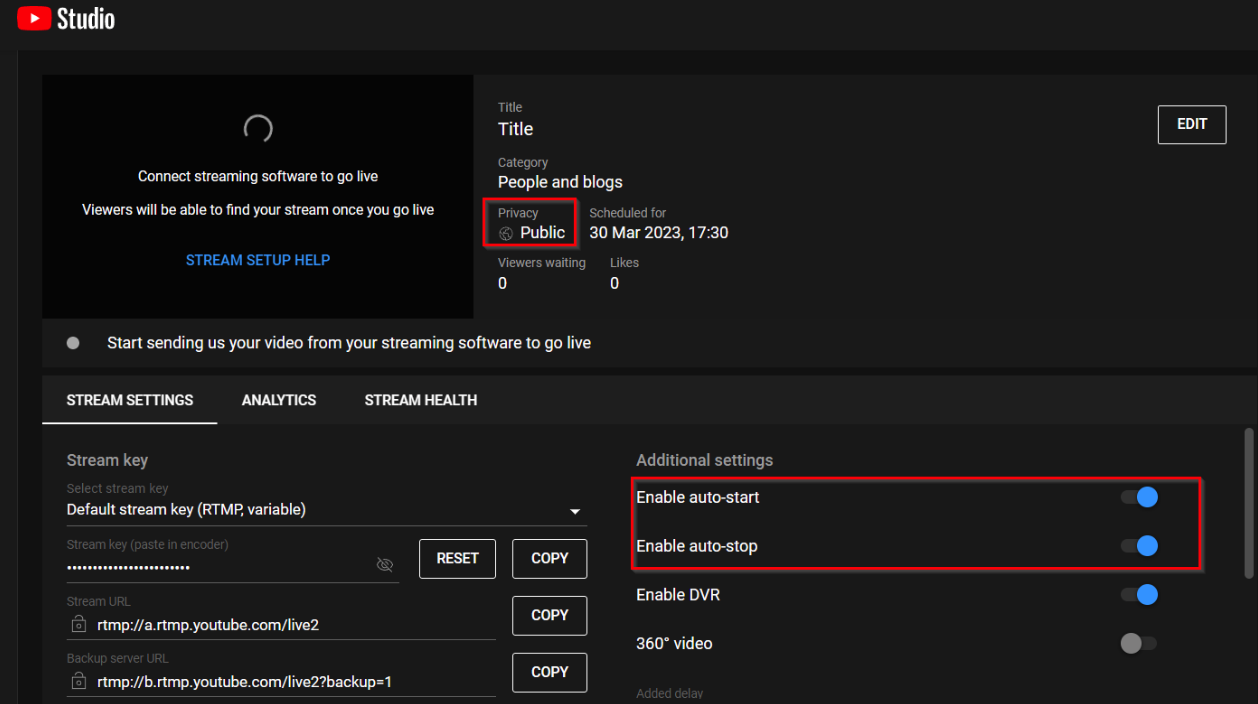
To schedule a stream to end at a specific time:
- Create a stream on YouTube or Twitch, ensuring it's public. Enable auto start and auto end.
- Start the broadcast in the Live Streams section.
- Navigate to the Streams Scheduler section and click Schedule stream in the top-right corner.
- Choose your stream from Live Streams, set its display name.
- Under Format, select Set the end date of the stream.