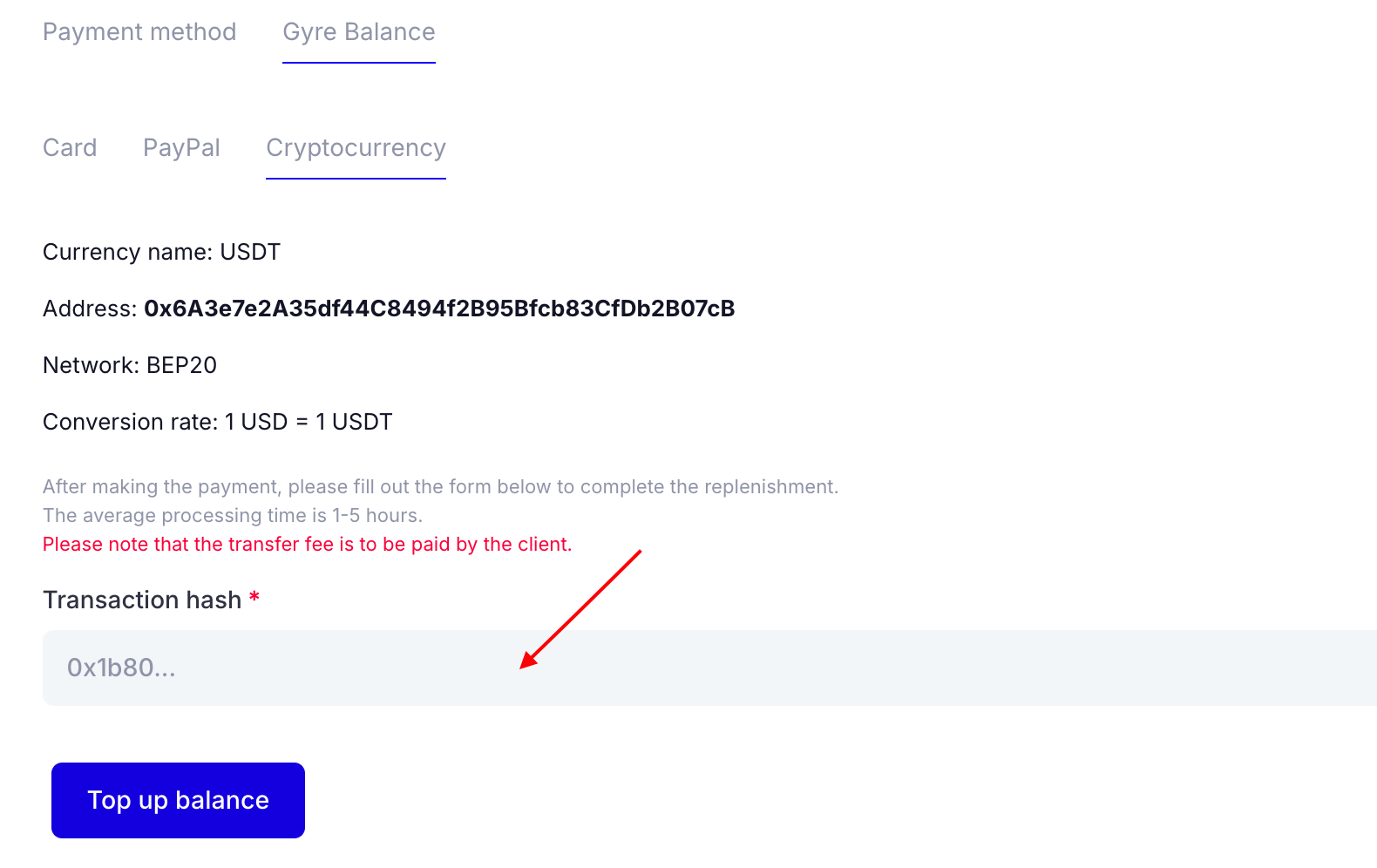
- Go to Settings, click the Billing tab, and select Gyre Balance — Cryptocurrency. This page provides the details for making a payment.
- Specify USDT, the correct address, and the BEP20 network. The conversion rate is 1-to-1 based on the current dollar exchange rate. Note any transfer fees.
- After payment, enter the transaction ID in the Hash Transaction field. This step is crucial for identifying your transfer.
- The cryptocurrency conversion process typically takes 1 to 5 hours.